
Lecture AI Assistant
Ask about this exact moment of the video — then turn the answer into notes, flashcards or a test.
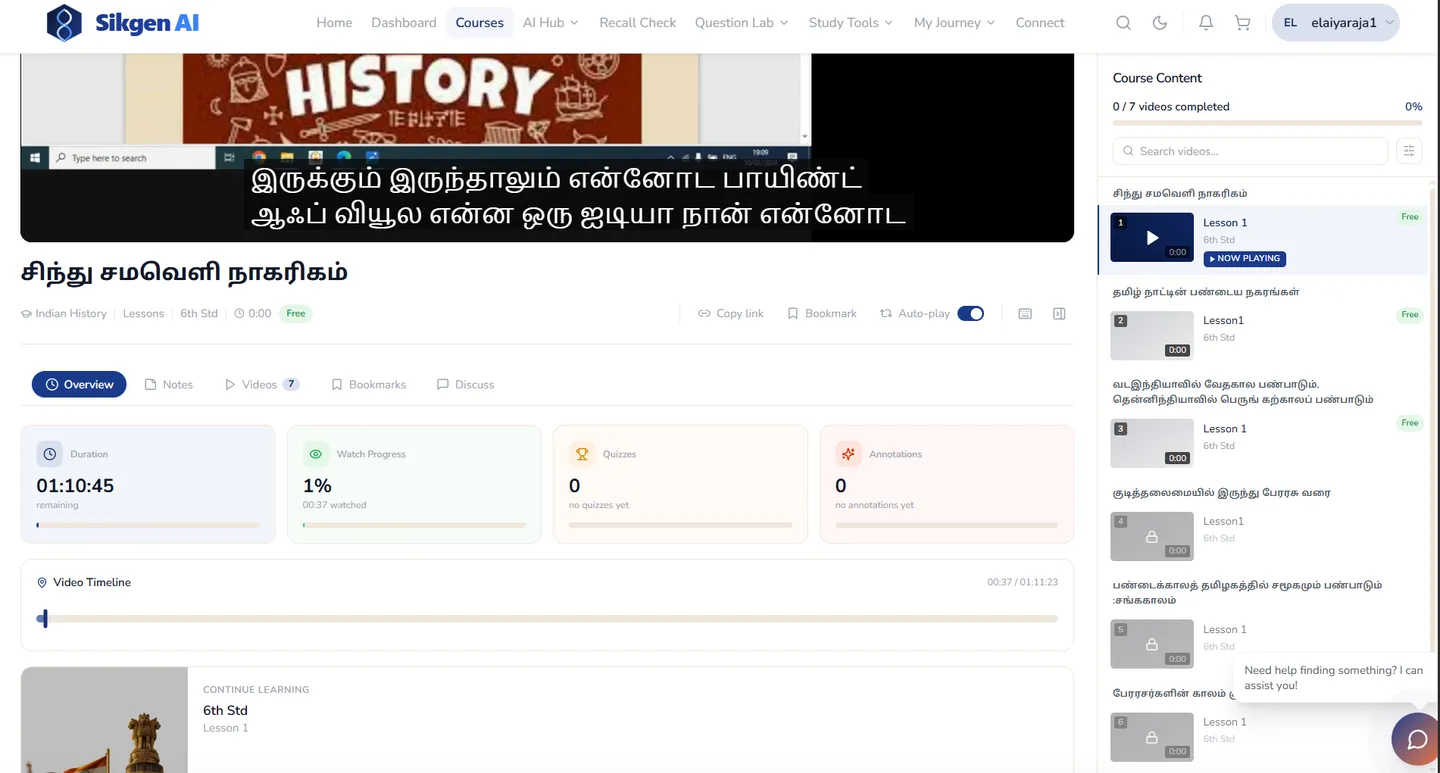
An assistant beside every video lesson that knows where the student is in it. Ask about what was just said and it answers from the lecture. Type "/" to make notes, flashcards, a summary or other study material from the lesson, keep any answer as a note on the lecture, or start the lesson's graded test from the chat.
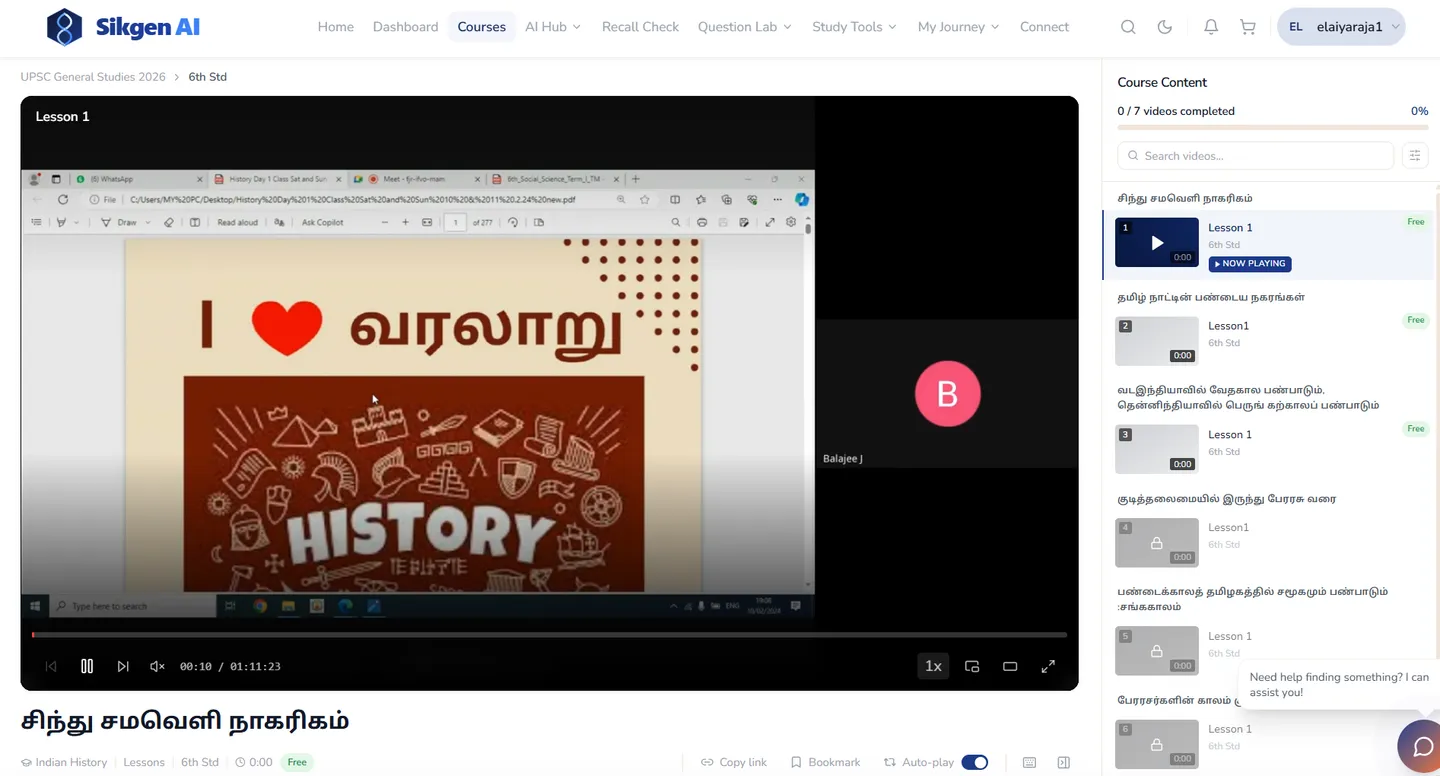
★ It knows the video playhead, so "explain this" means this moment of this lecture — not a generic answer from the internet.
What Lecture AI Assistant does for your institution
Answers about this moment
The current timestamp travels with every question, and the assistant finds the right part of the lecture itself.
Six kinds of study material
One "/" command turns the lesson into notes, flashcards, a summary and more — created as real study material, not chat text.
Answers become notes
Keep a useful answer as a note pinned to the lecture, and open it later from the same lesson.
Coding lessons too
In coding courses it reads the code in the editor and proposes changes as a diff the student accepts — never over their work.
Lecture AI Assistant, step by step
- 1
Watch the lesson
The assistant panel sits beside the video player.
- 2
Ask or type "/"
Ask about the current moment, or pick a command to generate study material.
- 3
Keep or test
Save the answer as a note, or start the lesson's graded test from the chat.
How institutions use Lecture AI Assistant
Recorded GS and subject lectures become notes and flashcards without a separate note-making step.
Students ask about the code on screen and get fixes as a reviewable diff.
Recorded classes students can question and revise from, outside class hours.
See it in action
Ready to see Lecture AI Assistant live?
Book a 30-minute demo and we'll walk you through Lecture AI Assistant with your own use case.