
Course Store & Online Payments
Sell courses and test series under your own brand — browse, cart, pay.
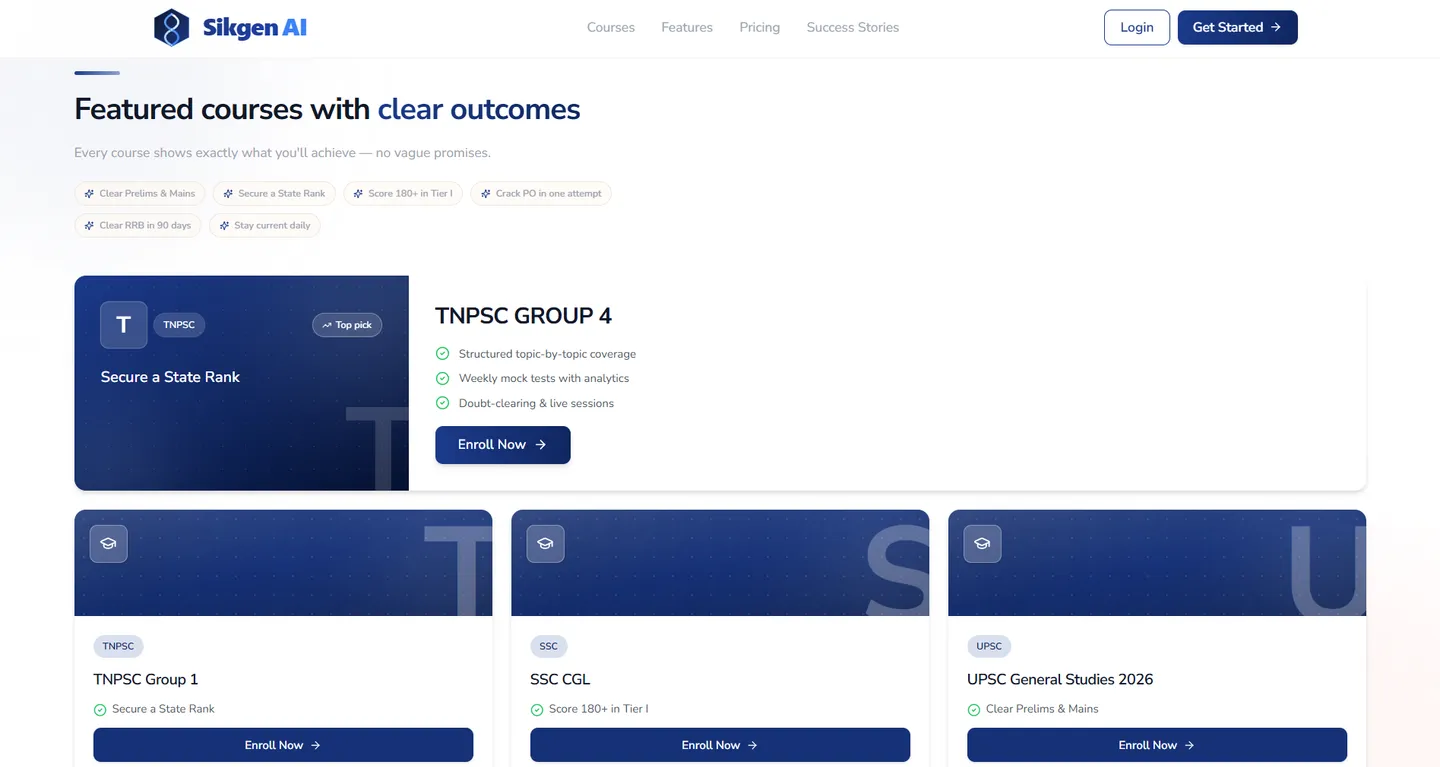
Put your courses on sale inside your own white-labelled app. Students browse by exam, open a course page, add to cart or wishlist and pay online through Razorpay checkout. Orders and subscriptions sit in their account, and the course opens straight after payment.
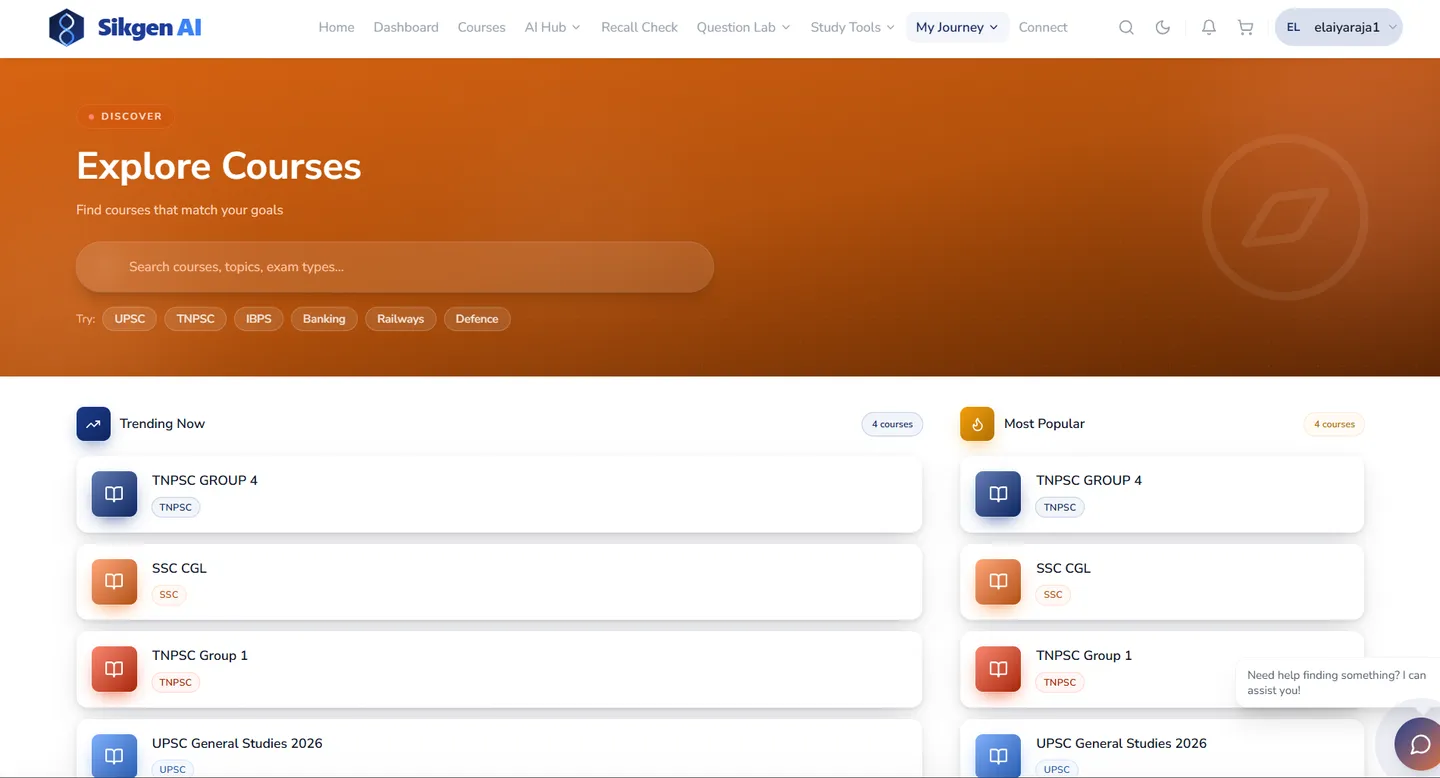
★ Storefront, checkout and the course itself are one app under your brand — no separate website plugin to stitch together.
What Course Store & Online Payments does for your institution
Browse by exam
Students explore courses grouped by exam, with trending and popular lists.
Cart, wishlist and checkout
A familiar shopping flow, with payment through Razorpay.
Orders and subscriptions
Students see what they bought and renew from their account.
Instant access
Enrolment opens the course's learning page as soon as payment succeeds.
Course Store & Online Payments, step by step
- 1
Publish a course
Set the price and the exam it belongs to.
- 2
Students buy
Browse, add to cart, pay via Razorpay.
- 3
Access opens
The student lands in the course immediately.
How institutions use Course Store & Online Payments
Sell test series and crash courses to students outside your classroom batches.
Sell self-paced courses under your brand alongside cohort programmes.
Questions about Course Store & Online Payments
- Which payment gateway does the store use?
- Razorpay. If your students pay in another country or through a different gateway, raise it in the demo so we can tell you what is possible.
See it in action
Related modules
Ready to see Course Store & Online Payments live?
Book a 30-minute demo and we'll walk you through Course Store & Online Payments with your own use case.
Evaluating course store & online payments as a category?
White-label LMS — launch a branded learning platform without building one